









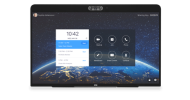
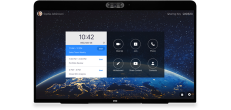
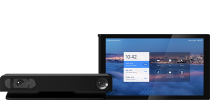


1. Watch this video for calibration instruction
2. Click the button below to download the calibration image.
Paper size requirement: A4 (ISO 216) or US Letter size.
3. Once the calibration image is ready, return to the device setting to complete calibration.
Note:
This feature requires enable DTEN Camera Calibration on DTEN Dashboard--Setting Page.
If you have additional questions or need to contact DTEN Support, please refer to this DTEN Knowledge Base article for more details: HERE.

Comments
0 comments
Please sign in to leave a comment.