








How to Update
- Release sequence:
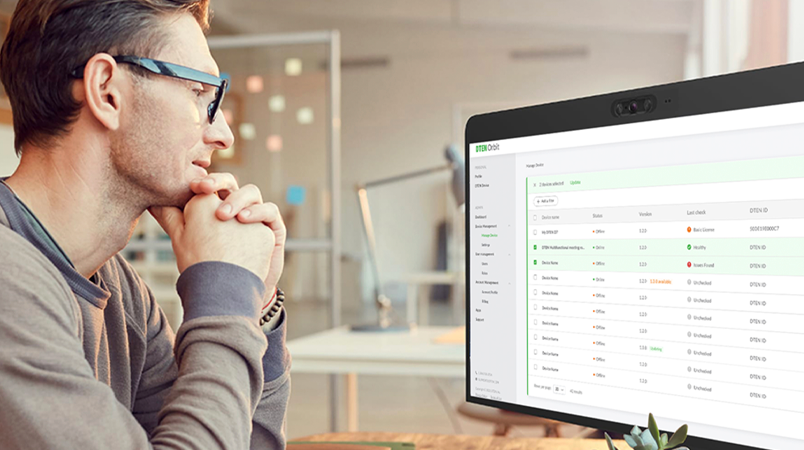
- 2-3 Business Days After GA: Available on Orbit.
- 7-10 Business Days After GA: Available through Zoom Device Management, Zoom dependency, and OOBE update for un-deployed devices.
- The DTEN device(s) should be powered on and connected to a stable and open or Zoom-whitelisted network without a firewall (Ethernet preferred). For information, click here.
- The update will not start if the device is engaged in a meeting or calendar event.
- The update takes approximately 30-45 minutes and will automatically restart
- Do not disconnect or power off during the update.
New
- Implement mute synchronization capabilities for all supported third-party audio.
Modified
- Digital signage status definition changed to idle to address the issue of not being able to upgrade via ZDM while the digital signage is working
Resolved
- Minor Bug Fixes
Known Issues
General Hardware:
- Smart Connect (BYOD) Mode Unplugging Issue
- Unplugging a Type-C USB cable when the Bar is in Smart Connect (BYOD) mode may cause the Bar to reboot. This issue is expected to be addressed in a future firmware release.
- DTEN Mate (PoE or WiFi) and Bar Disconnection
- Try rebooting either device if the Mate and Bar become disconnected.
- Quick Fix: Restart the Bar or Mate.
- Privacy Flap Not Closing
- Sometimes, the Privacy Flap may not fully close after the Bar exits a meeting.
- Quick Fix: Reboot the device to force the Privacy Flap closure during the Bar's power initialization checks. If the Privacy Flap does not close after a reboot, contact DTEN Support.
Zoom Rooms on Android:
- Zoom Security Timeout
- The Bar will disconnect if the Mate (Poe or WiFi) and the Bar aren't connected within 10 minutes. You'll see a prompt on the Mate (PoE or WiFi) to reboot the Bar manually.
- Audio issues during Smart Connect meetings
- Both parties experience audio issues (such as echo, noise, or distortion) when hearing the other side during Smart Connect Meetings with auto framing enabled.
- Quick Fix: Disable auto framing.
- Loop reboot issue
- A low probability loop reboot issue occurs after a system upgrade.
- Quick Fix: Power cycle the device.
Zoom Rooms Version: 6.3.5.6258

Comments
0 comments
Article is closed for comments.