











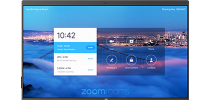
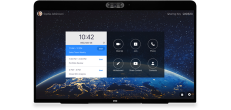
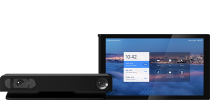


Overview
The instructions below may help with the new ePTZ feature of DTEN firmware v1.5.0 release.
DTEN ePTZ Function
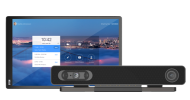
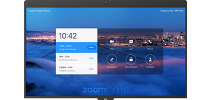
The new firmware v1.5.0 for DTEN D7 55” has a new ePTZ-enabled Zoom Rooms function. (Note: The functionality of the ePTZ will vary based on hardware.)
-
Video demonstration of how ePTZ function works during a meeting: HERE
How do I access this feature?
1. When in the meeting, click Vertical Ellipsis (three dots) at the bottom right corner
2. Click Camera Control on a pop-up menu to open up ePTZ-enabled Zoom Rooms (see below)
3. This will pull up the Camera Control, Auto Framing and Preset options explained in more detail below.
This feature has the following hardware/ software version dependencies:
| Dependencies | Requirement |
| DTEN Software Dependencies | DTEN 1.5.0 |
| DTEN Hardware Dependencies | NO |
| Zoom Room Dependencies | NO |
If you have additional questions or need to contact DTEN Support, please refer to this DTEN Knowledge Base article for more details: HERE.

Comments
0 comments
Article is closed for comments.