
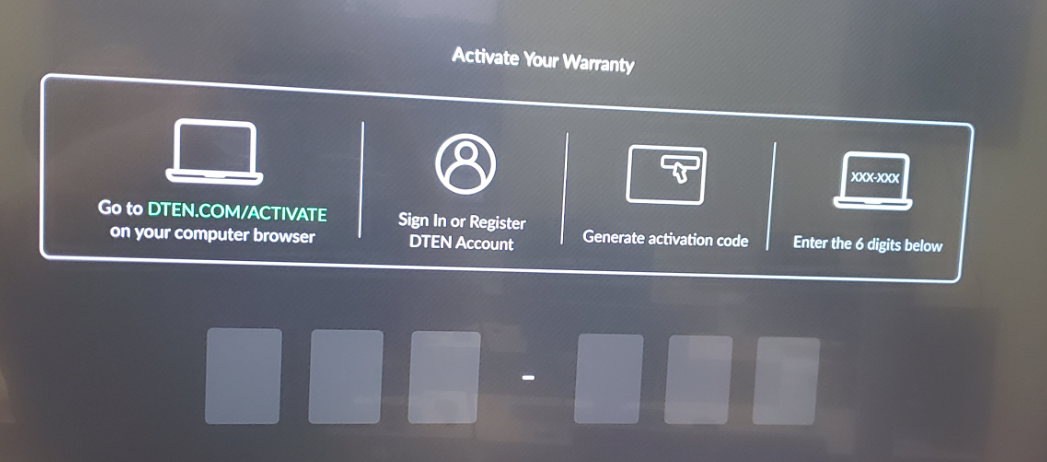
When you first launch your DTEN ME or ON 55", the devices will show a registration screen for the Orbit Portal. This screen will ask for the 6 Digit Activation Code. Once registered, the Orbit Portal will allow for maintaining settings and pushing updates to your DTEN Device.
Activation Steps:
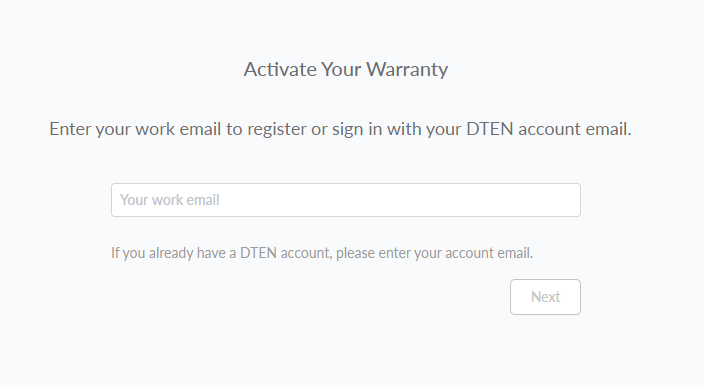
1. Upon entering https://dten.com/activate on your web browser, you will be asked to enter your email and press next.
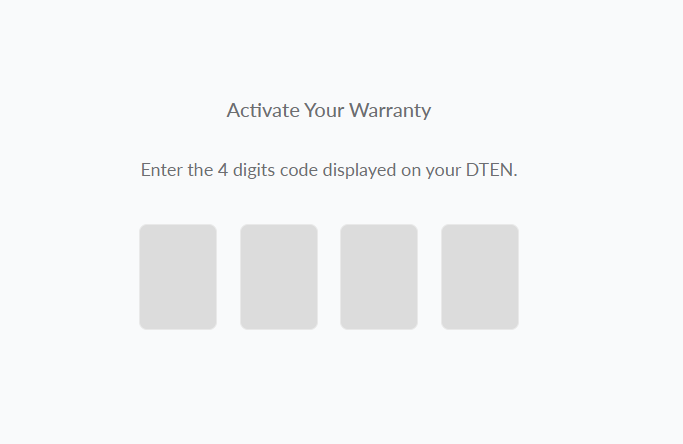
2. The next page is asking for a 4-Digit code (see below). Should you encounter this issue, please go to https://orbit.dten.com/ > click on Create an account and generate the 6 Digit Activation Code that the device is requesting.
3. Once you generated, please enter the 6-Digit Activation Code on your device:
Was this article helpful?
That’s Great!
Thank you for your feedback
Sorry! We couldn't be helpful
Thank you for your feedback
Feedback sent
We appreciate your effort and will try to fix the article