









Overview
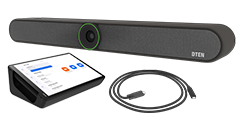
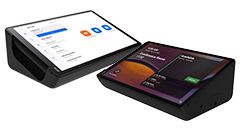
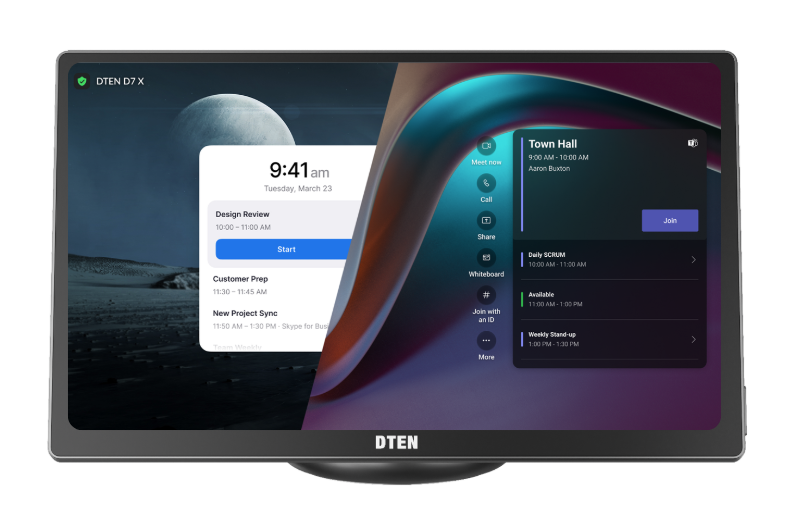
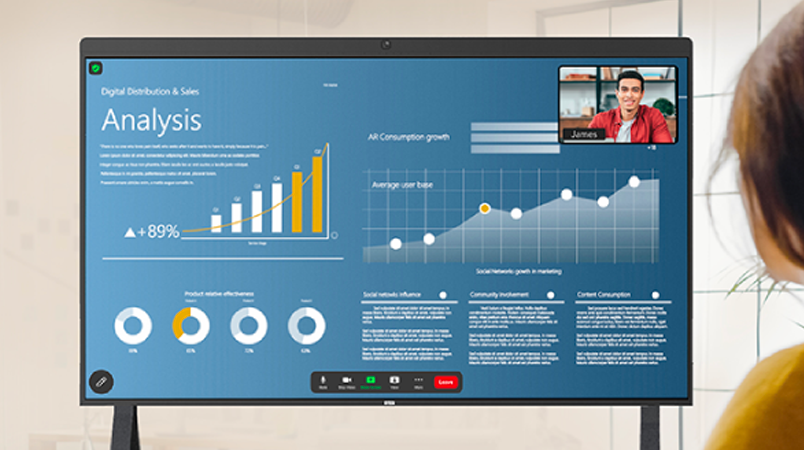
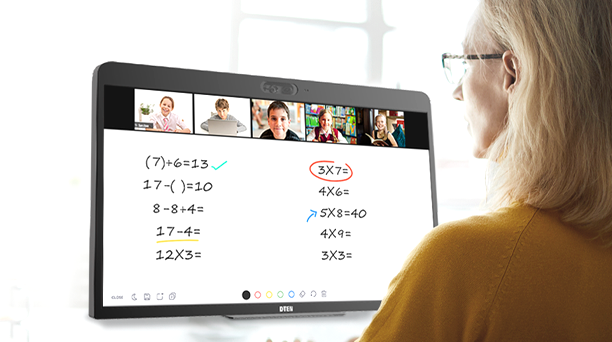
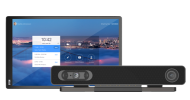
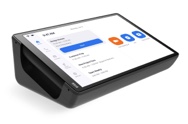
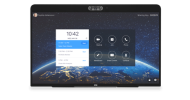
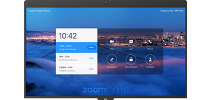
This is the instruction to enable the Whiteboard while running Teams Rooms on D7X Android Edition and DTEN Bar.
Prerequisites
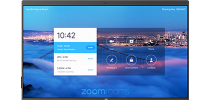
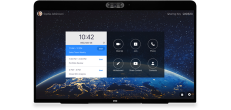
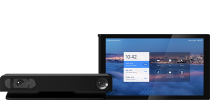
This feature is currently available on the following DTEN devices with Teams Rooms Basic licenses:
- DTEN D7X Android Edition
-
DTEN Bar
You can refer to the official Microsoft documentation for additional information by clicking here.
How to Enable this feature?
1. Click on More (3 dots) button on the Home screen to go to Settings page.
2. Click on Device Settings -> Log into Admin Settings -> Teams Admin Settings -> Meetings.
3. Under Meetings Tab, scroll down to find this option and have this toggle enabled.
Getting Help
If you have additional questions, please contact DTEN Support at 1 (866) 936-3836 or click here.

Comments
0 comments
Article is closed for comments.