




















How to Update
-
Release sequence:
- Immediately at GA: Available on Teams Admin Center.
- 2-3 Business Days After GA: Available on Orbit.
- 7-10 Business Days After GA: Available through Zoom Device Management, Zoom dependency, and OOBE update for un-deployed devices.
- The DTEN device(s) should be powered on and connected to a stable and open or Zoom-whitelisted network without a firewall (Ethernet preferred). For information, click here.
- The update will not start if the device is engaged in a meeting or calendar event.
- The update takes approximately 30-45 minutes and will automatically restart
- Do not disconnect or power off during the update.
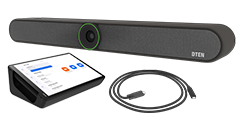
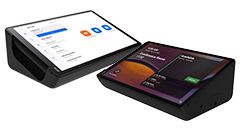
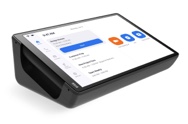
- DTEN Mate with software version 1.x is meant for DTEN GO. And it cannot update to 2.x or 3.x.
- DTEN Mate with software 2.x or 3.x can be used for all DTEN products.
-
DTEN Mate with software 2.x can be updated to 3.x. As v2. x is for ZR only, and 3.x is for both TR and ZR.
New
-
Supports Relay Speaker in Zoom Rooms.
Resolved
-
Minor bug fixes.
Known Issues
General Hardware:
- Mate Touch or Black Screen Issue:
- In certain situations, the Mate may lose touch functionality or display a black screen. Rebooting the Mate should resolve the problem. If the issue persists, report the DTEN Mate ID to DTEN support.
-
Mate Screen Flashing:
- Rarely, the Mate screen may flash briefly when plugged into power. Don’t worry, and it will automatically return to normal. If the issue persists, report the DTEN Mate ID to DTEN support.
Zoom Rooms Version: 6.3.5.6258
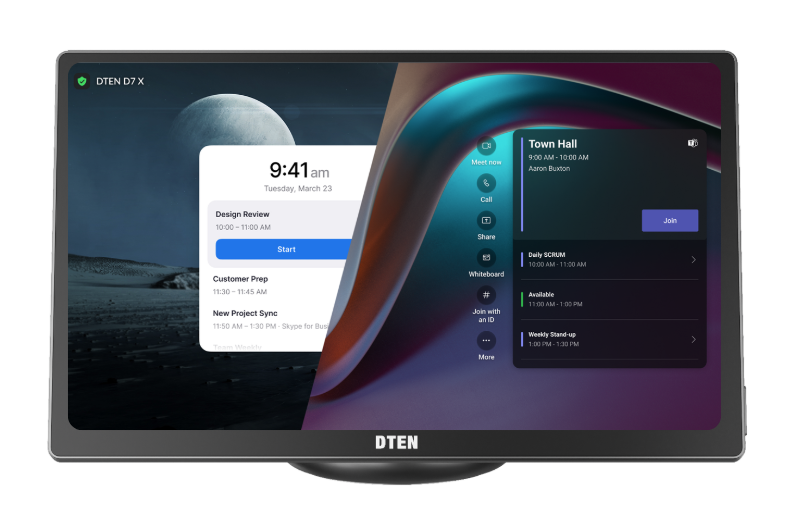
DTEN D7X Android: 1.7.72
DTEN Bar: 1.4.72

Comments
0 comments
Article is closed for comments.