

















OVERVIEW
Orbit Audio is a feature designed to enhance your meeting experience by enabling seamless connectivity with authorized third-party audio devices.
Preconditions
This feature requires your devices to meet the following conditions:
Orbit License:
-
Valid Business Pro license
Supported model:
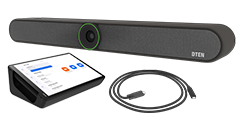
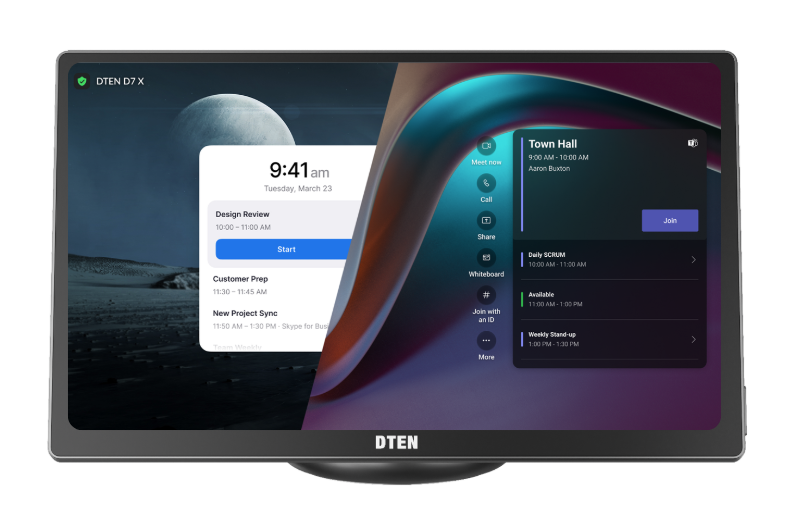
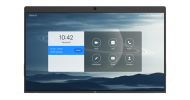
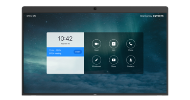
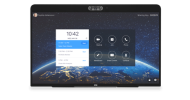
- DTEN D7X Android Edition (Firmware version 1.6.2 and above.)
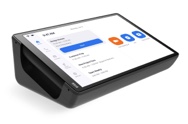
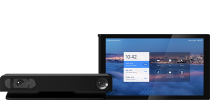
- DTEN Bar (Firmware version 1.3.22 and above.)
(More device models will support this feature in the future.)
How to enable this feature?
Method 1: Enable in Device Settings
Check and choose to enable Orbit Audio on Device> Settings level for a specific DTEN unit in the device's Settings page.
Steps:
- Log in Orbit;
- Click on Device Management to expand the drop down;
- Click on Device List;
- Enter your DTEN ID of the device;
- Click on your Device and go to Settings page;
- You can enable Orbit Audio for this specific device.
Important Note: This is only possible if the device has a Pro License. Otherwise, the toggle will be grayed out (inactive).
Method 2: Enable in Tenant Settings
Users with Basic license or higher can enable feature for all devices qualified for Orbit Audio within Tenant Settings. You can enable the setting if there is at least one device under your account and it’s on a firmware version that supports this feature.
Steps:
- Log in Orbit;
- Click on Device Management to expand the drop down;
- Click on Tenant Settings;
- Find Orbit Audio in Tenant Settings page.
Important Note: When this setting is enabled, the feature will become active when the device meets all preconditions.
Supported Authorized Audio Devices:
- Audio-Technica ATDM-0604a
- Atlona AT-CAP-SP100
- Poly Trio C60
- Shure P300
- Shure IntelliMix P300
- Shure ANIUSB-M
- Shure MXW neXt 2
- Yamaha YVC-1000
Getting Help
To inquire about Pro License: Please contact the DTEN Global Sales < sales@dten.com> or your Account Executive for purchasing information.
If you have additional questions, please contact DTEN Support at 1 (866) 936-3836 or click here.

Comments
0 comments
Article is closed for comments.