

Overview
There are three primary methods for factory resetting a DTEN D7X 27" device:
On-Device Dashboard: Reset directly using the device's settings menu.
Orbit Portal: Reset remotely via the portal (view instructions HERE).
Pinhole Reset: Perform a physical hard reset using the pinhole.
Instructions
Method 1: Reset on Dashboard Settings
Steps:
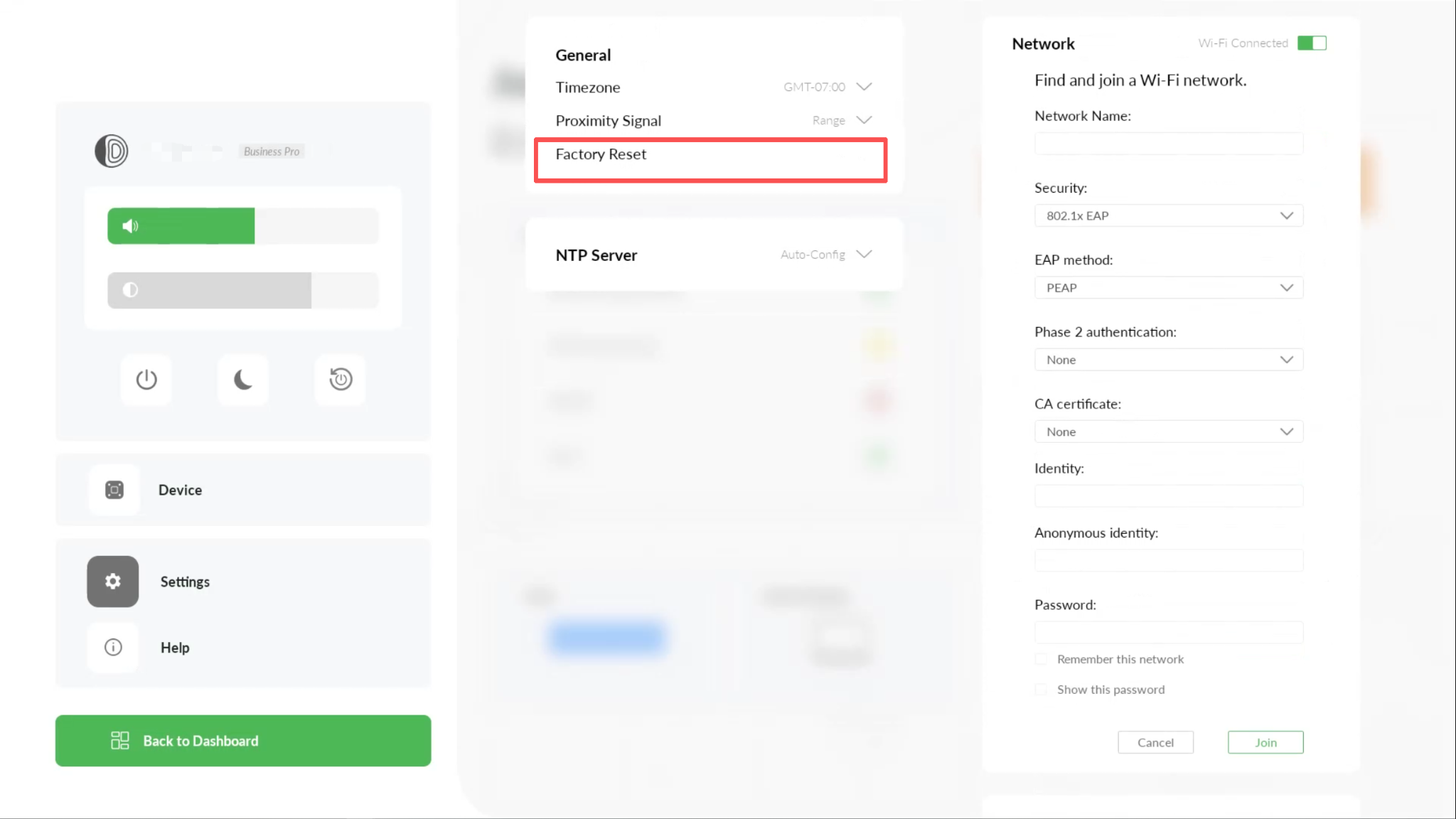
Press the button behind the device to go to the Dashboard.
Tap on Settings.
Press Factory Reset under the General settings to begin the factory reset.
(To stop the factory reset, you can press the Cancel button)
Method 2: Reset via Orbit
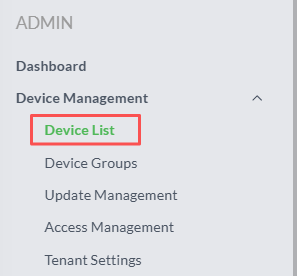
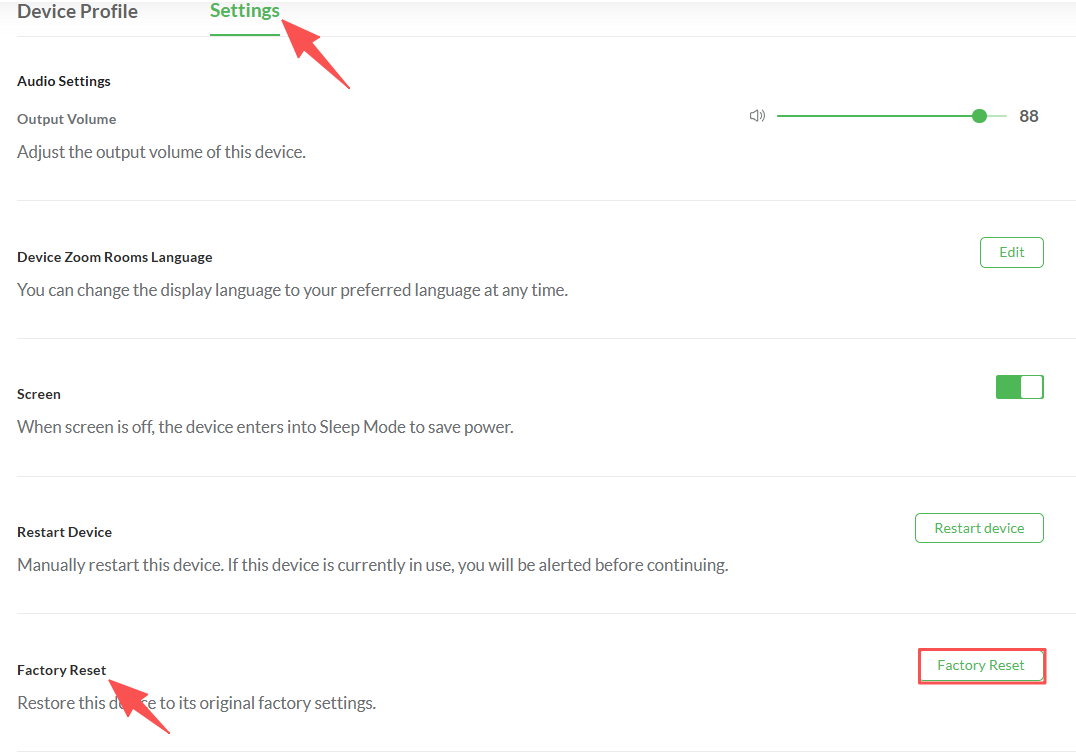
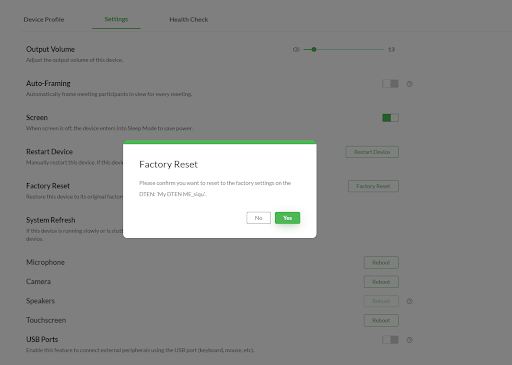
Refer to the documentation HERE. Only the Orbit Owner or Admin has access to factory reset the device on Orbit.
Method 3: Pinhole Reset
Required Tool: Prepare a SIM ejector tool, paperclip, or a pin.( )
Steps:
Locate the Reset Pinhole.
Find the small Reset pinhole on the back of the device: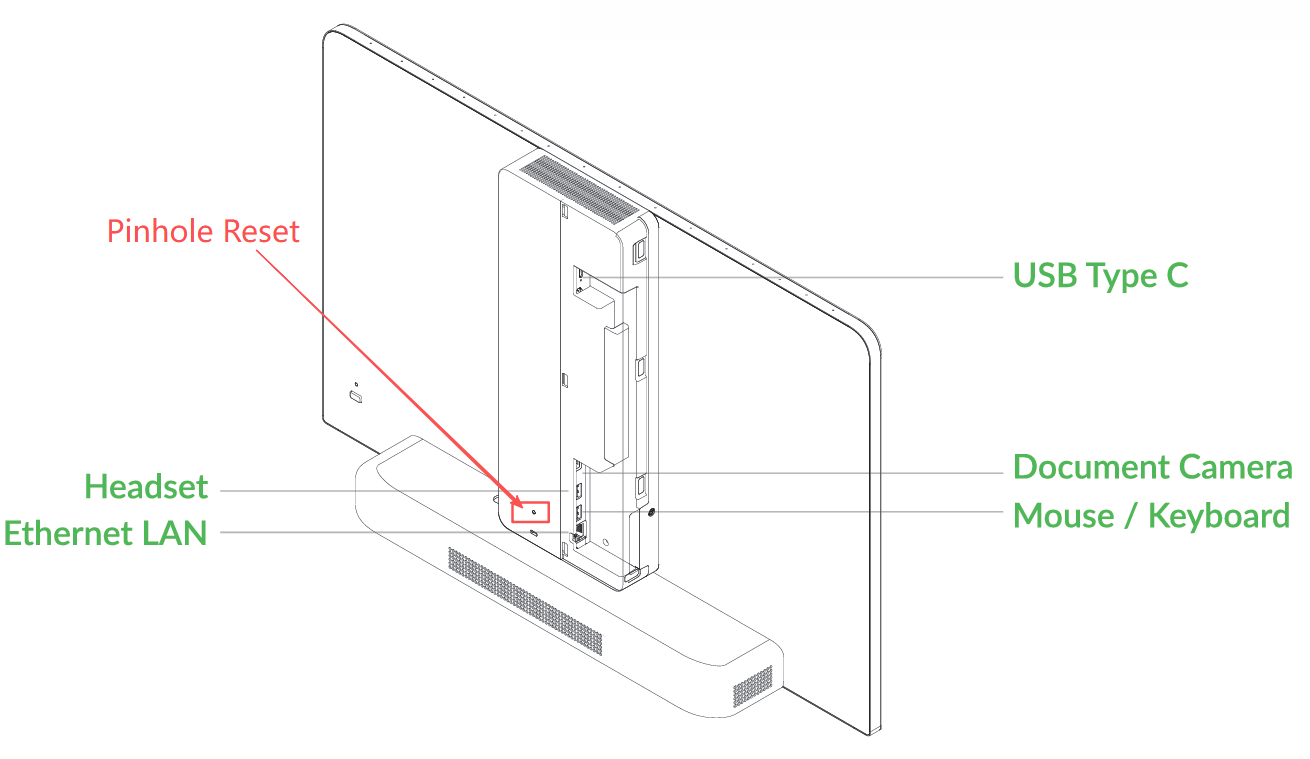
Perform the Pinhole Reset.
Remove the power cord, wait 3 minutes
Press and hold the recovery button (pin hole) and plug in the power
Release Button: Once the display shows “System is resetting…”, you can release the pinhole.
Wait for Reboot.
The device will then automatically complete the factory reset and reboot. This process may take a few minutes. Please be patient and do not perform any other operations during this time.(Optional) Additional Reset
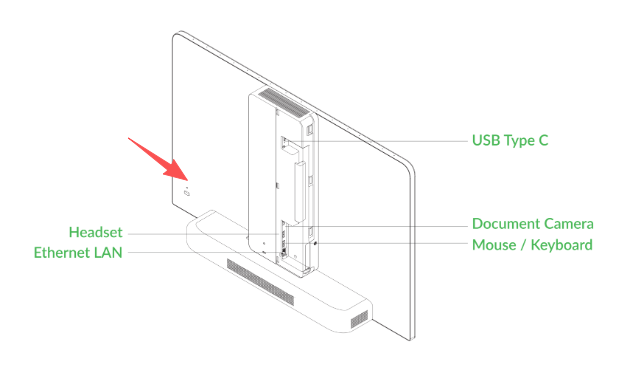
If your D7X 27 is stuck at “Connecting, please wait” even after the pinhole reset steps above, please perform an additional step.
Locate the pinhole above the menu button and perform the same pinhole reset according to the instructions above.
If you have additional questions or need to contact DTEN Support, please refer to this DTEN Knowledge Base article for more details: HERE.
Was this article helpful?
That’s Great!
Thank you for your feedback
Sorry! We couldn't be helpful
Thank you for your feedback
Feedback sent
We appreciate your effort and will try to fix the article