


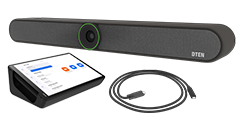


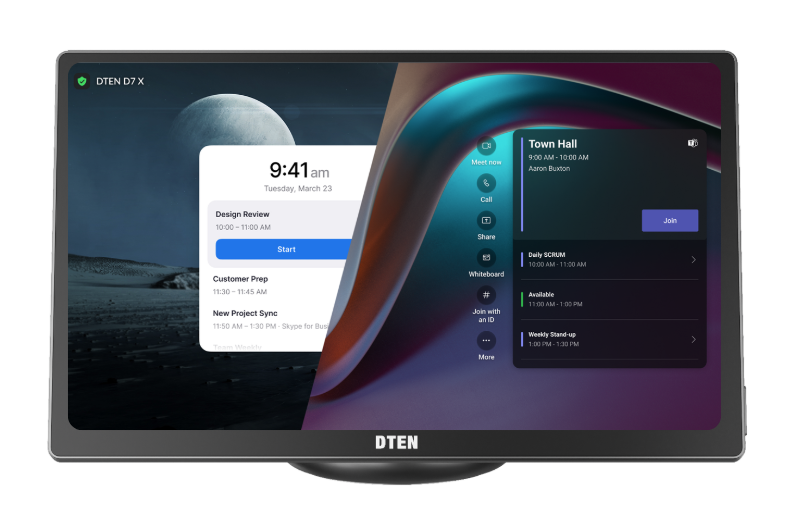
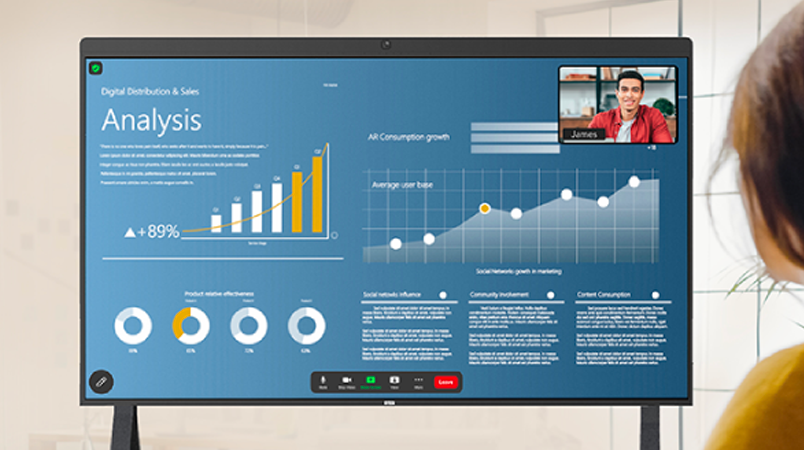







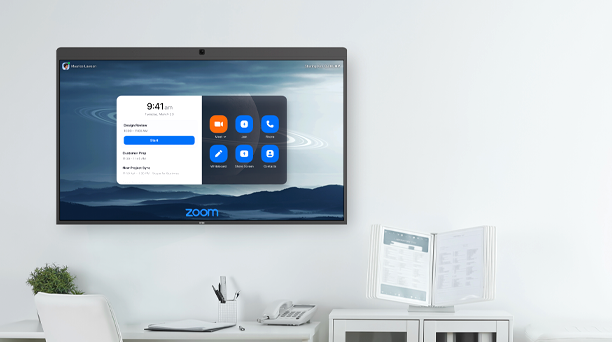
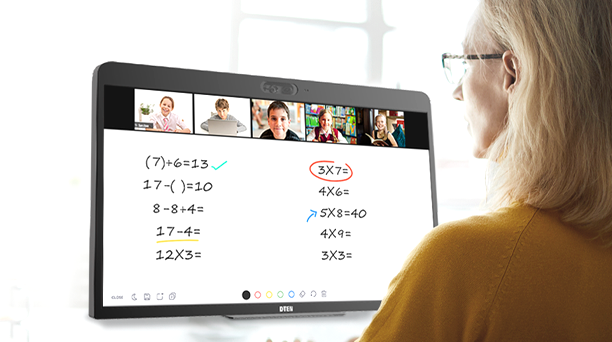
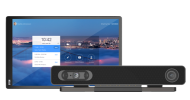
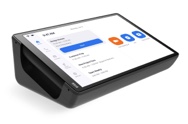


- DTEN D7X should be powered on and connected to a stable and open or Zoom-whitelisted network without a firewall (ethernet preferred). For information, click here
- Available on DTEN Orbit portal, then on Zoom portal approximately 5-7 days later
- The update will not start if the device is engaged in a meeting or calendar event.
- The update takes approximately 30-45 minutes; DTEN D7 will automatically restart.
- Do not disconnect or power off during the update.
New
- N/A
Pilot Program
- A new feature, Orbit Mission Control, is now available. For detailed instructions, refer to the HowTo Guide.
Resolved
-
Optimize the screen mirroring feature
Optimized the screen mirroring experience when connected via HDMI and USB-C.
Known Issue
-
Screen Not Waking Automatically During Office Hours in Sleep Mode
In Sleep Mode, the device may fail to wake up via touch input or at the scheduled time.- Workaround: Power cycle the device to recover.

Comments
0 comments
Article is closed for comments.